

Do You Know About Adobe Portfolio?

I’ve had the Adobe Lightroom plan that includes 1 TB of cloud storage for 5 or 6 years now. Until very recently, I’d only used Lightroom and never explored any of the other features that are included with the plan.
I was vaguely aware of Adobe Portfolio, but I had no idea how it works; and to be honest I’m pretty sure I thought it would be really complicated.
Turns out it’s not complicated. Kind of the opposite actually.
The first thing you’re going to do is go to https://portfolio.adobe.com and sign in with your adobe account. Then you are going to click “New Site”.
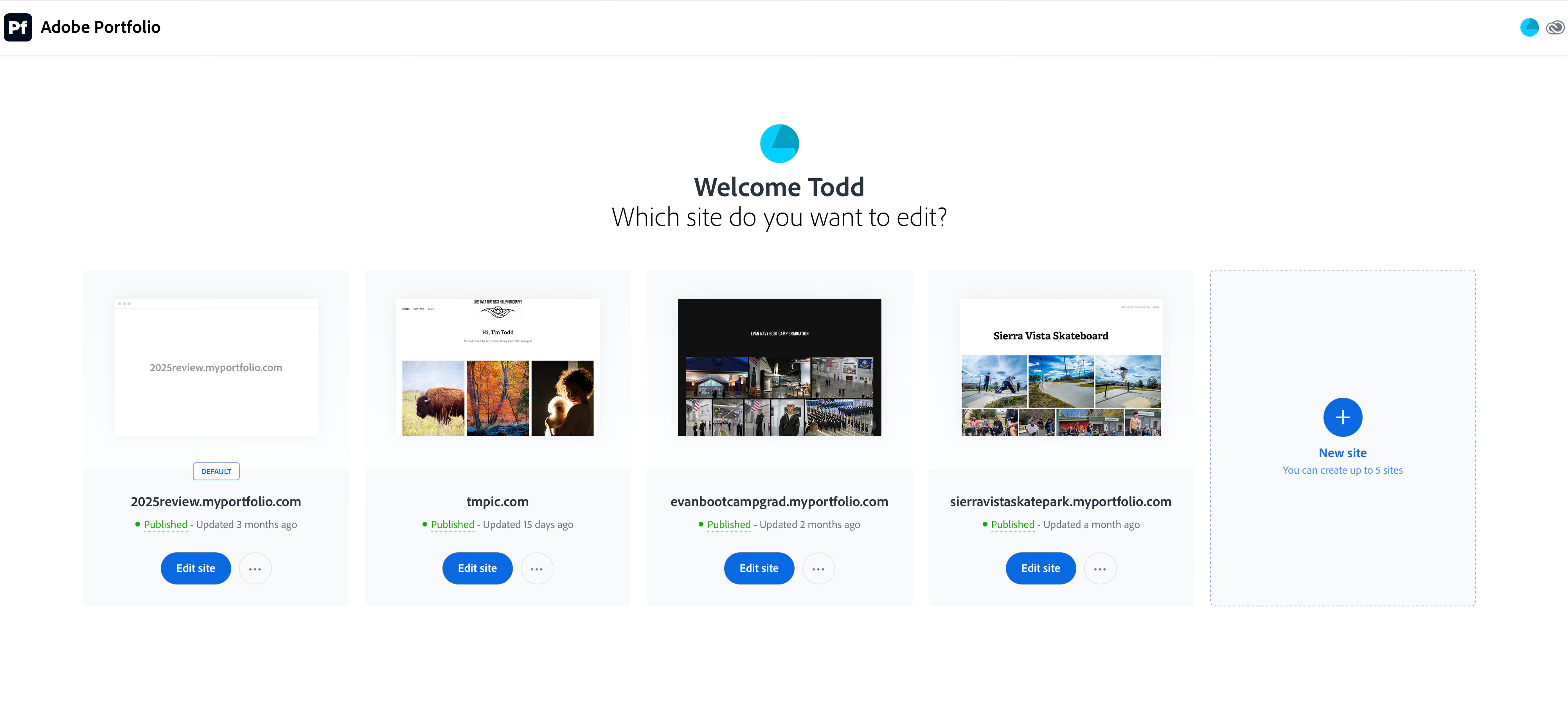
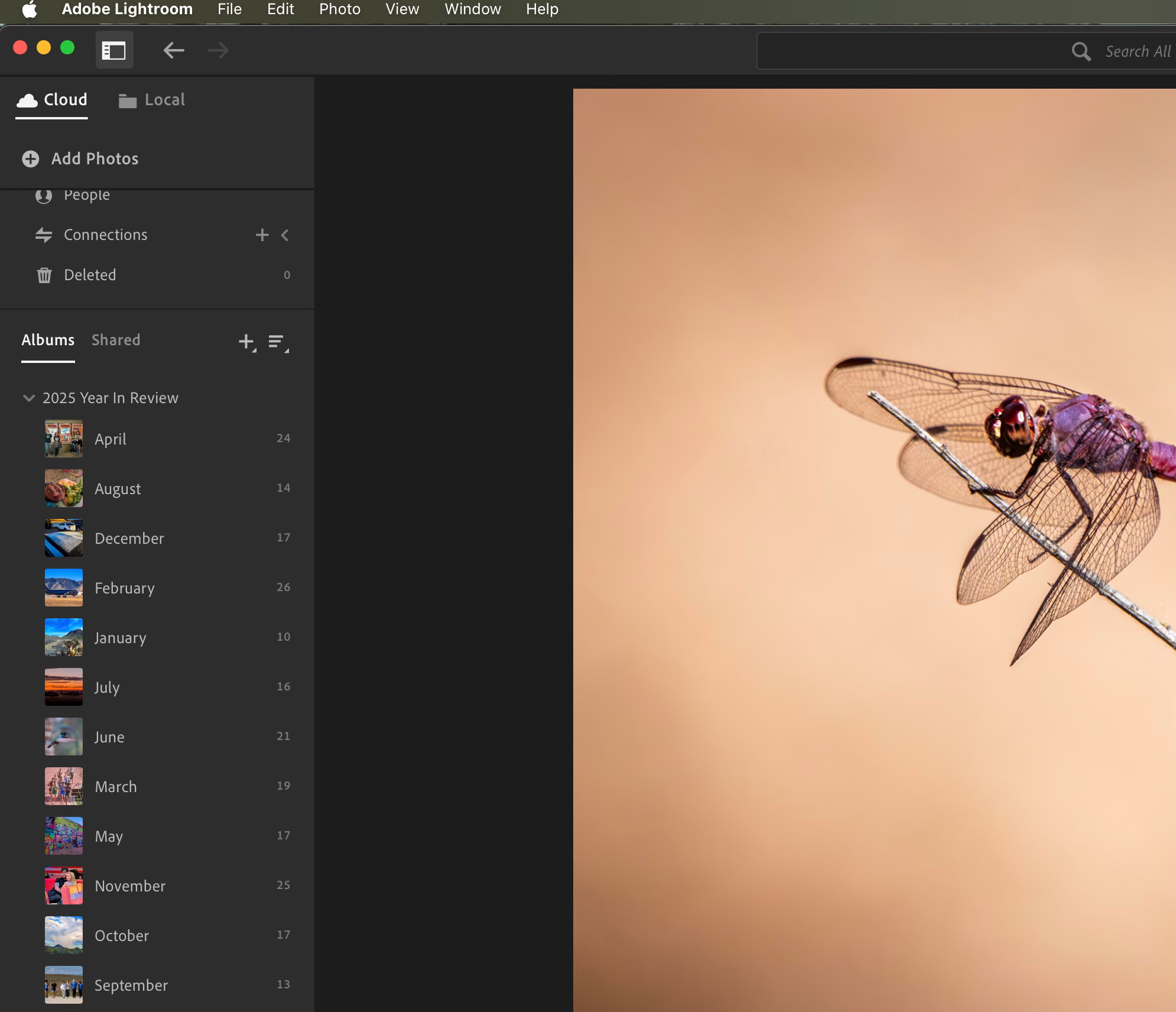
You can have up to 5 sites. I first got the idea of using this tool when I did my 2025 Review post. Instead of downloading then reuploading a whole bunch of pictures, I just created a folder for each month right in my Lightroom cloud.
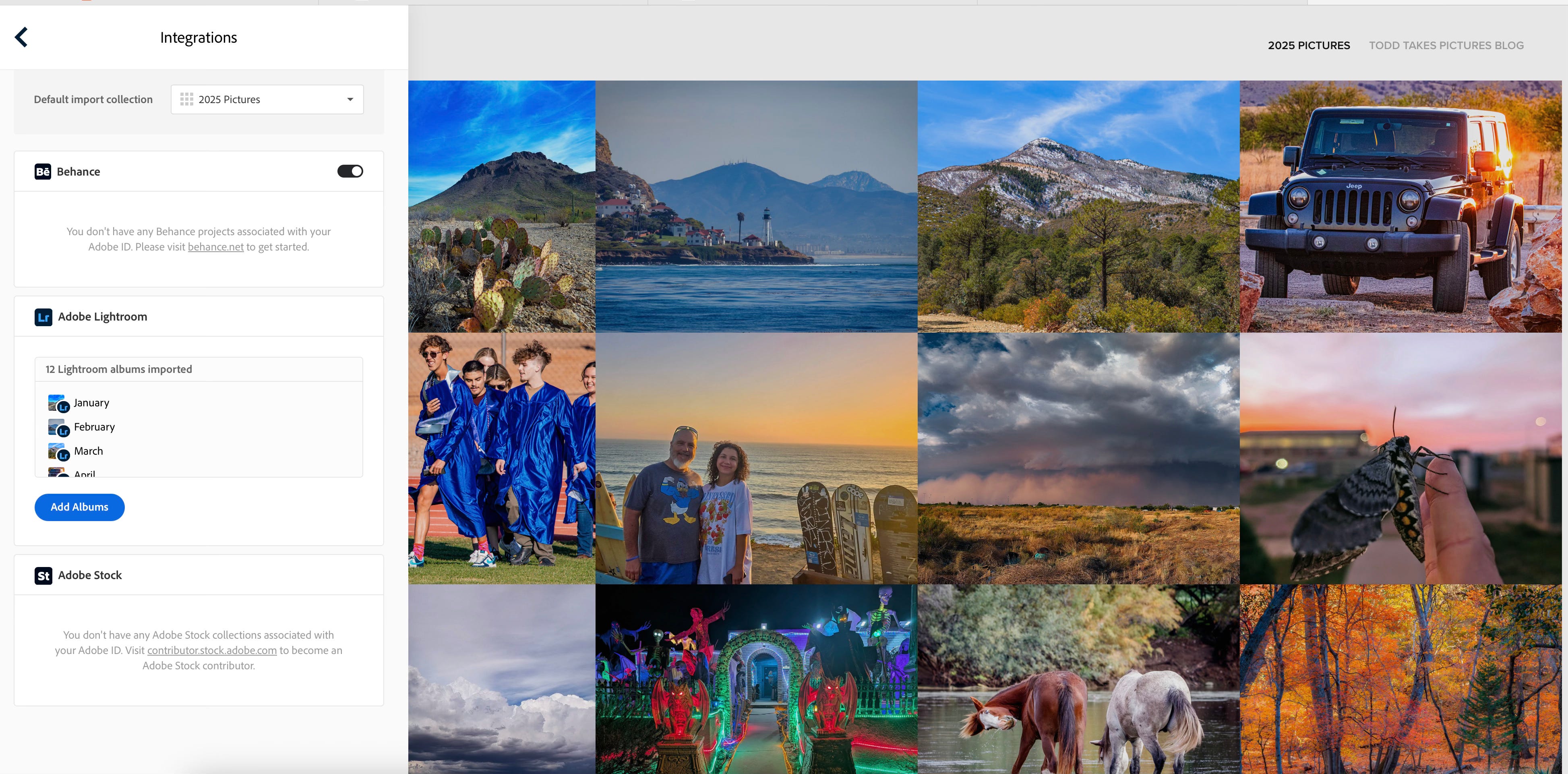
I then went back over to Adobe Portfolio and under “Integrations” I added all 12 albums, which then became separate galleries on that site.
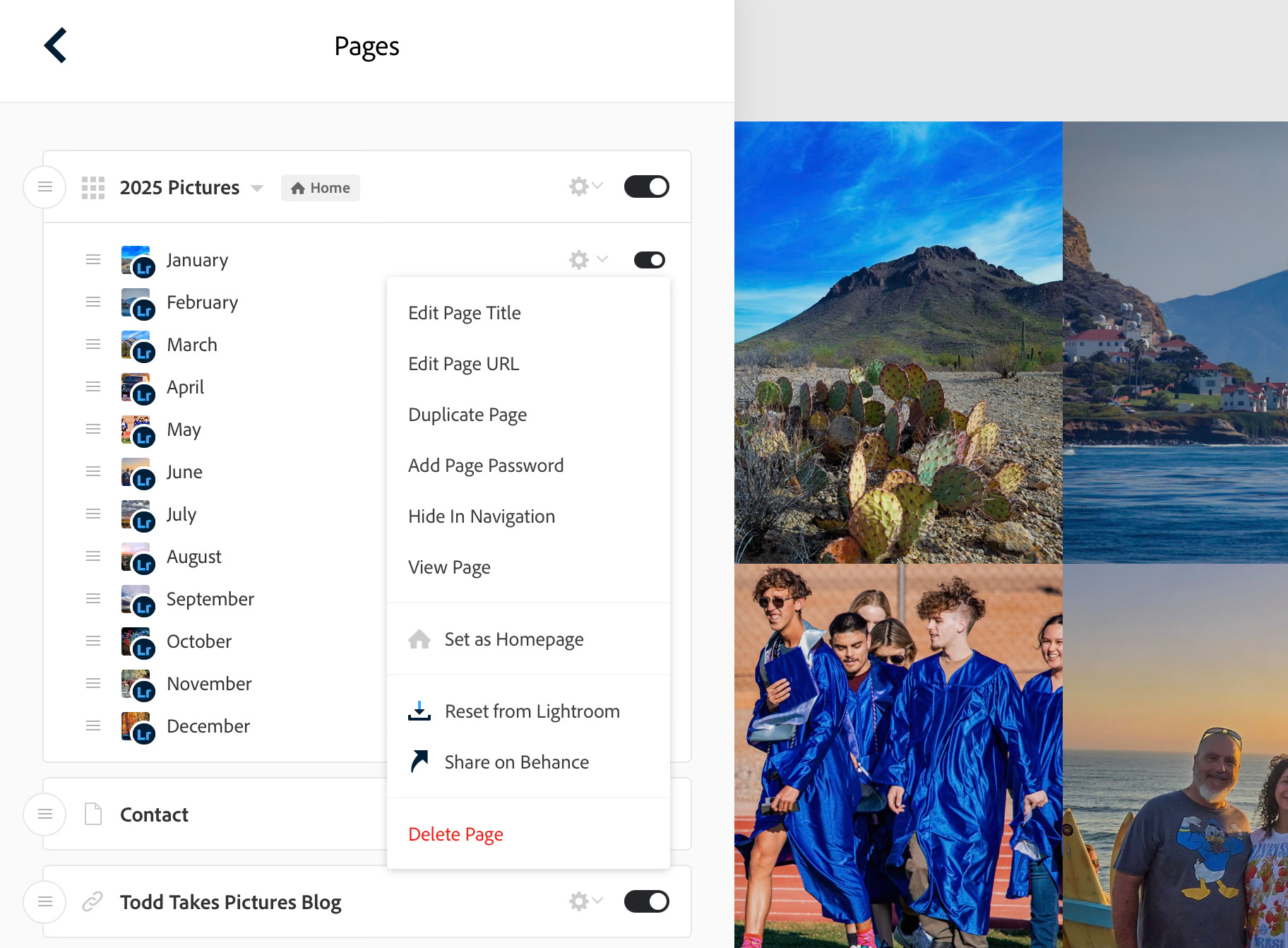
If you later add more pictures to one of your albums, in portfolio you simply go to “Page” then scroll down to “reset from Lightroom”.
There are a lot of other cool things that you can do with your galleries, such as using a custom domain name and linking to your other site (like your substack).
But rather than bore you with more screenshots, I’m just going to link you over to Adobe’s Portfolio Knowledge base: https://help.myportfolio.com/hc/en-us
Your Turn:
Where do you normally host your picture galleries? If you build a site with Adobe Portfolio, shoot me a link below so that I can check it out.
Til next time,
Todd
p.s. if you’re not a subscriber yet, I’d love to have your join our little group. If you do already subscribe, thank you! Please consider sharing this post with others:

ollithomson.myportfolio.com. Ido worry that Adobe seem to have marginalized Portfolio and perhaps at some point they'll abandon it entirely. But in the meantime it's a great, simple place to post images. I just wish it had a built in blog functionality.
Yes, I'm aware of it but, as I will never again use Adobe products, it's not for me. I built my own website on Pixpa.